Add Links to Project Notes

Do you want to be able to link to a specific plan or Estimate worksheet in STACK? Or perhaps link to an external supplier site URL? Well, you can! 🎉
In Project Settings you have a Notes section. Within this notes section, you can create links.
Paste the URL and highlight, then click the Link icon at the bottom of the Notes section.

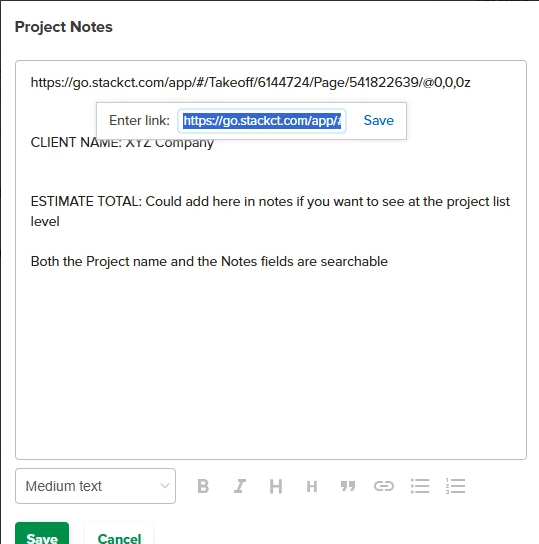
Click SAVE next to Enter Link: . This is now a hyperlink!
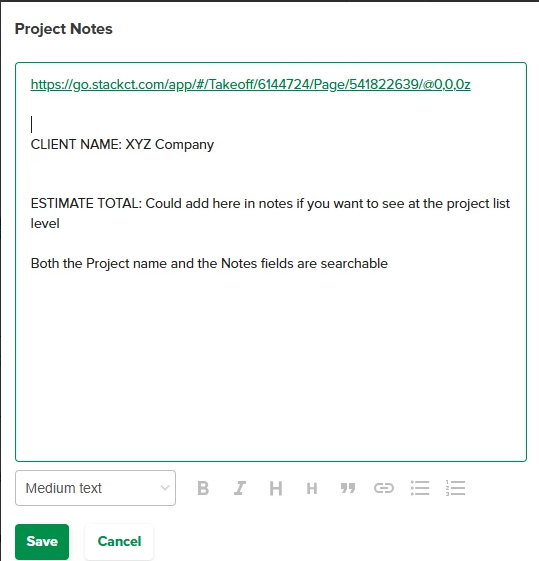
Above, I am linking to a plan sheet within the project, but (for example) you can link to an external supplier site or a particular estimate that you have created for that project. 👍
- NOTE: You will need to click SAVE at the bottom to retain anything you have added to the notes field.
0
Comments
Please sign in to leave a comment.