List Takeoffs In the order of how you do your work

Posted by: STACK_Brenda
Takeoffs will be listed in numeric / alpha order by default.
If you want to see your takeoffs in the order of how you do your work then you can use the Manual ordering feature.
In my example below I would like to have all of my Demo items listed first:
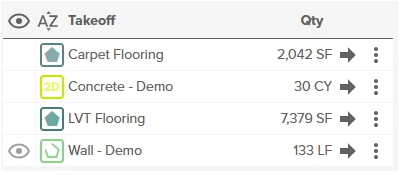
-
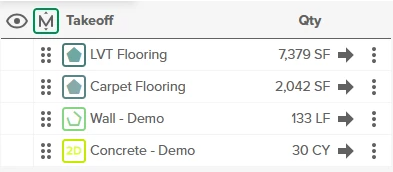
Click on the AZ option at the top of your takeoff list
-
This will then switch to Manual mode

-
Click on any of the 6 dots and move the takeoff to where you want it to live
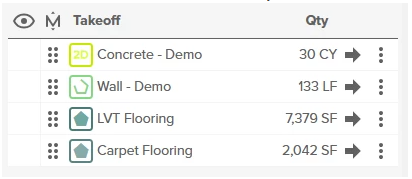
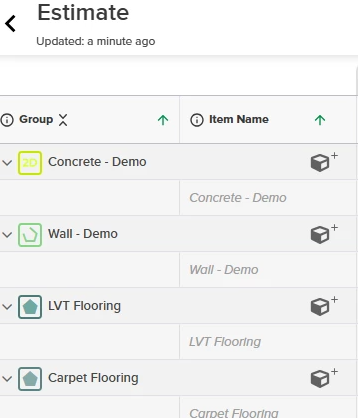
This order will be retained in the Estimate Worksheet
0
Comments
Please sign in to leave a comment.